Emoji Say
EmojiSay is a Chrome extension offering an AI-powered multilingual emoji search with a comprehensive library, customizable features, and premium animated.
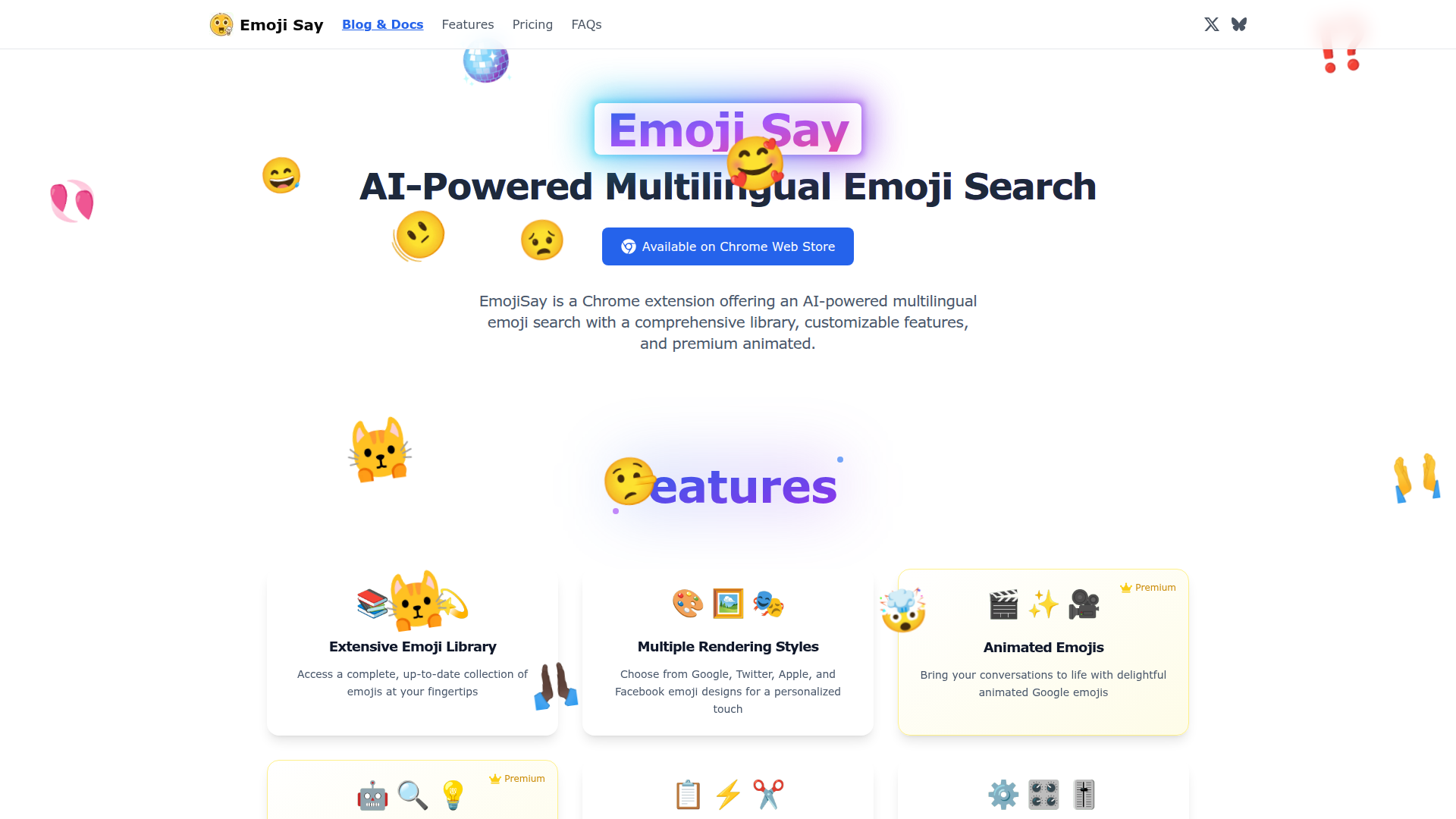
What is Emoji Say?
Emoji Say is an AI-powered Chrome extension designed to enhance your communication by providing quick access to a comprehensive library of emojis. With its multilingual emoji search capability, users can find the perfect emoji using natural language descriptions. This tool is particularly beneficial for those who frequently use emojis across various platforms, and it can even adapt to different rendering styles like Google, Twitter, Apple, and Facebook.
What are the main features of Emoji Say?
- Extensive Emoji Library
- Offers a complete and regularly updated collection of emojis.
- Multiple Rendering Styles
- Personalize your emoji experience by selecting from various designs.
- Animated Emojis
- Add flair to your conversations with animated emojis from Google.
- AI-Powered Search
- Utilize natural language to discover emojis without needing to memorize shortcodes.
- Quick Copy & Selection
- Easily copy and manage multiple emojis with efficiency.
- Customizable Panel
- Tailor your emoji interface to meet your preferences with adjustable sizes and click actions.
How to use Emoji Say?
Using Emoji Say is straightforward:
- Install the Emoji Say Chrome extension from the Chrome Web Store.
- Configure your API key for AI-powered features.
- Utilize the emoji library to search and send emojis directly as you chat on various platforms.
Price
Free
Access essential features at no cost.
- Complete emoji library
- Various emoji styles (Google, Twitter, Apple, Facebook)
- Basic emoji search
- Skin tone diversity
- Quick copy & paste option
- Customizable panel emoji size
- Recent emojis history
Premium
Upgrade to unlock full features for power users.
Only $4.99 as a one-time purchase.
- All free features included
- Animated Google emojis
- AI-powered smart search
- Natural language emoji finding
- Priority customer support
Helpful Tips
- To maximize your use of Emoji Say, ensure your settings are customized to your preferences, including emoji size and rendering style.
- Regularly check the extension for any updates to access new features.
- Use the AI-powered search functionality with various languages for better accuracy in emoji selection.
Frequently Asked Questions
What is Emoji Say?
Emoji Say is a Chrome extension that serves as an intelligent emoji input assistant. It enables users to quickly access and input emojis on any website through AI-based recommendations and a vast emoji library.
Why is the extension file size relatively large?
The file size results from built-in font packages and animation files for various rendering styles, ensuring a smooth offline experience by integrating necessary resources.
What are the purchase and activation policies?
Emoji Say offers a one-time purchase model with lifetime use. You receive an activation code for a single device, which secures offline access and functionality.
What special features are included in the paid version?
Users of the paid version unlock animated emoji effects, AI-powered search capabilities, and priority support, among other advanced features.
Does using the extension require connection to Emoji Say's servers?
No, you can use the extension completely offline after initial activation; all personal settings and data are stored locally, ensuring continued functionality without needing server access.
How can I get help?
For support, you can reach out via Twitter @sylwair or through email at [email protected].
Emoji Say
EmojiSay is a Chrome extension offering an AI-powered multilingual emoji search with a comprehensive library, customizable features, and premium animated.
 Vercel
 Cloudflare
 HTTP/3
Free AI anime and manga generator. Turn text into anime episodes, manga, comics, webtoons and comic shorts in any art style — no drawing or animation skills needed.
Translate image text across 70+ languages with our advanced AI Image Translator to help you better expand your products globally to various countries
Advertised Here
Reach thousands of visitors daily. Get your spot now!
Tools similar to Emoji Say
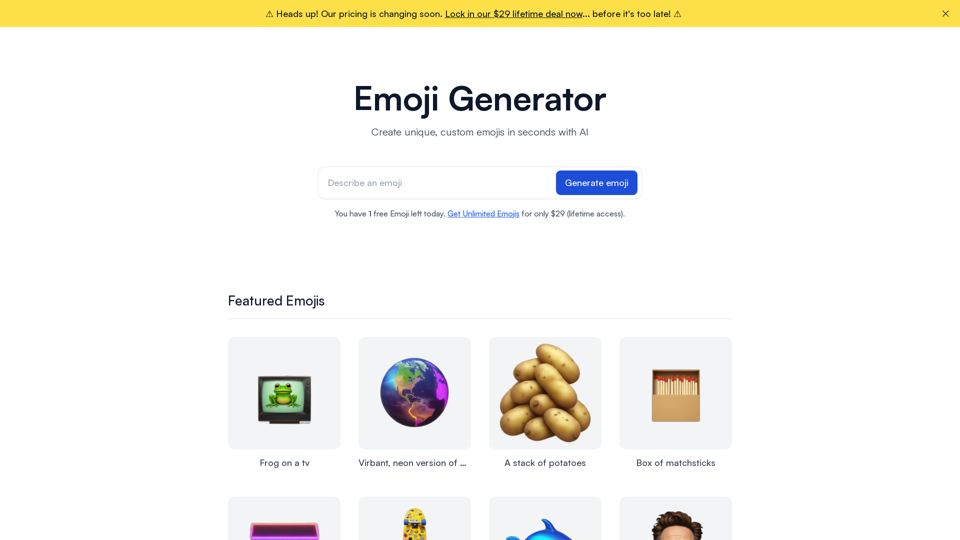
Create unique, custom emojis in seconds. Turn your ideas into high quality, shareable Emojis. AI powered Emoji creator.
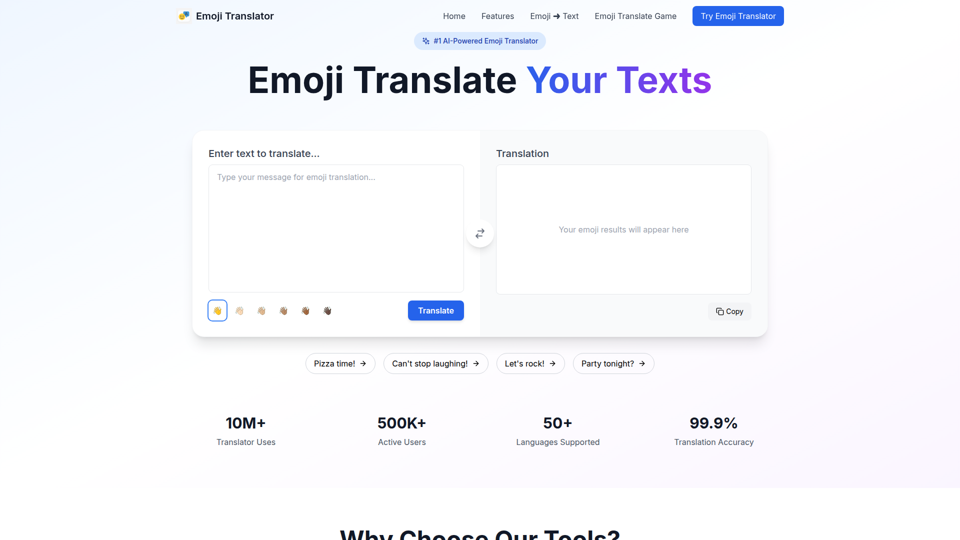
Free Emoji Translator tool to convert text to emojis. Our AI-powered emoji translator transforms words into expressive emoji language for social media.
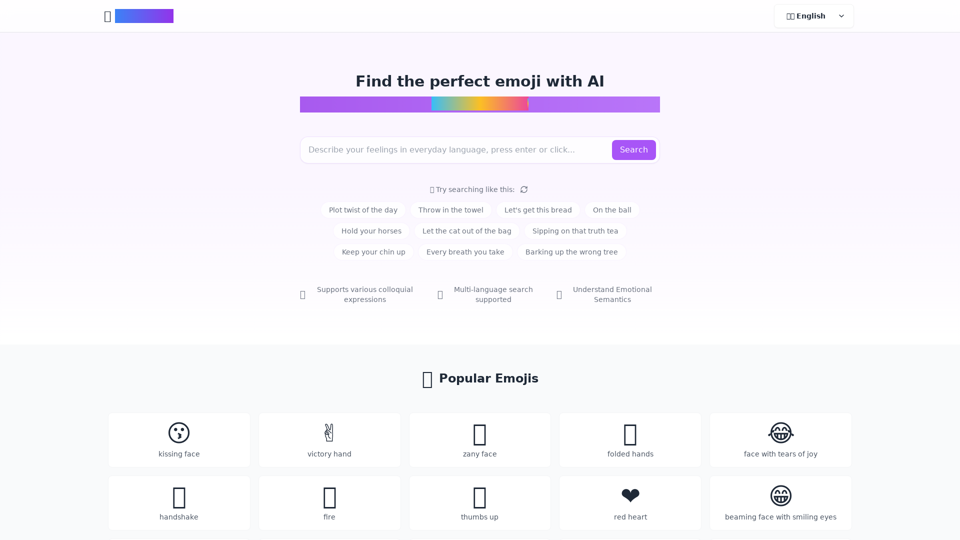
Need the right emoji, right now? EmojiClick's got you covered. Just type what you're feeling, and we'll find the emoji that says it best. Fast, fun, and always on point.
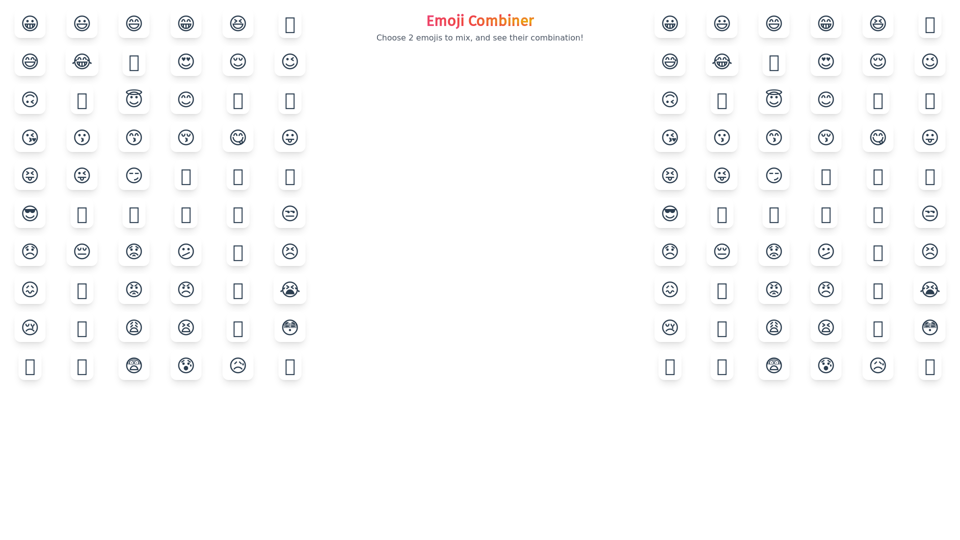
Mix any 2 emojis together to create new emoji combinations. Discover 1,000's of emoji possibilities with our free online emoji combiner tool!
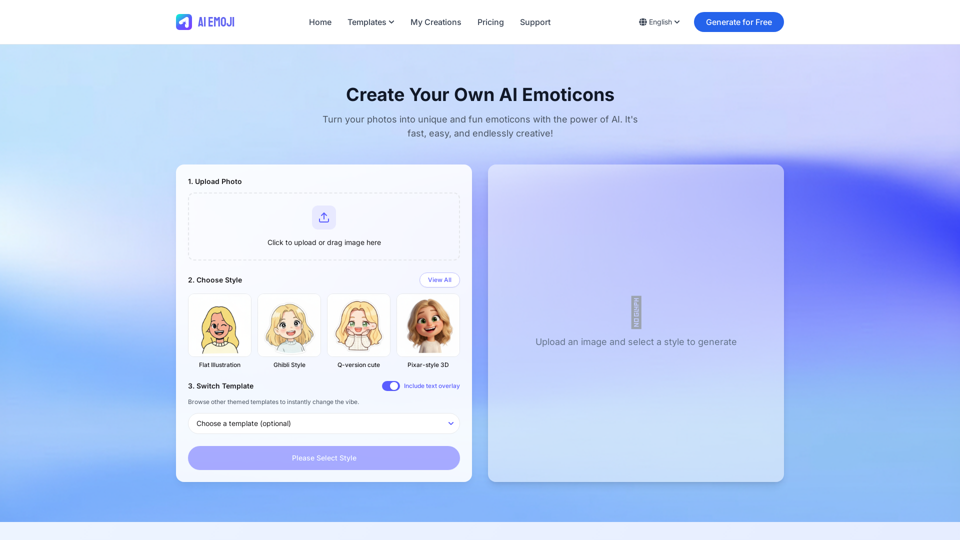
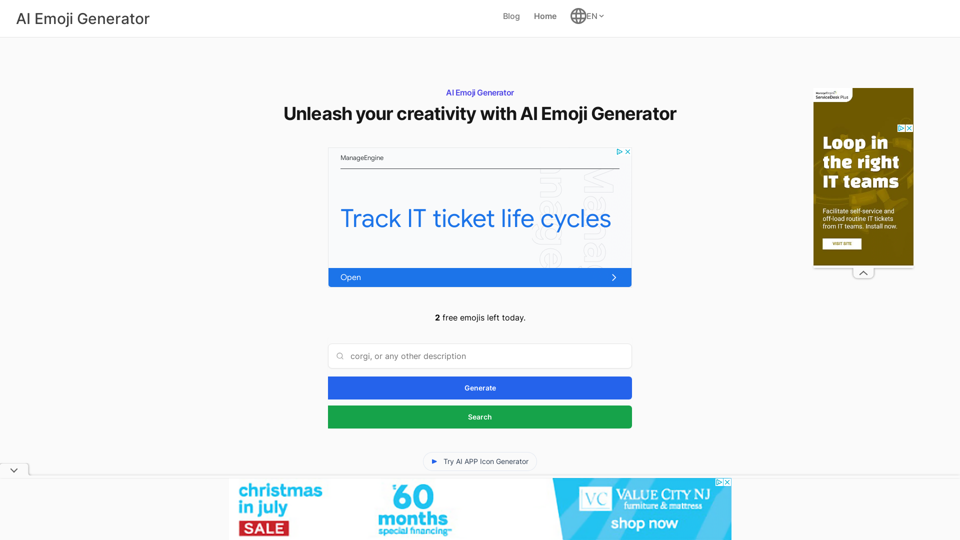
Experience the ease of creating unique emojis with our AI Emoji Generator – a tool that blends advanced AI with your creativity for personalized digital expressions.
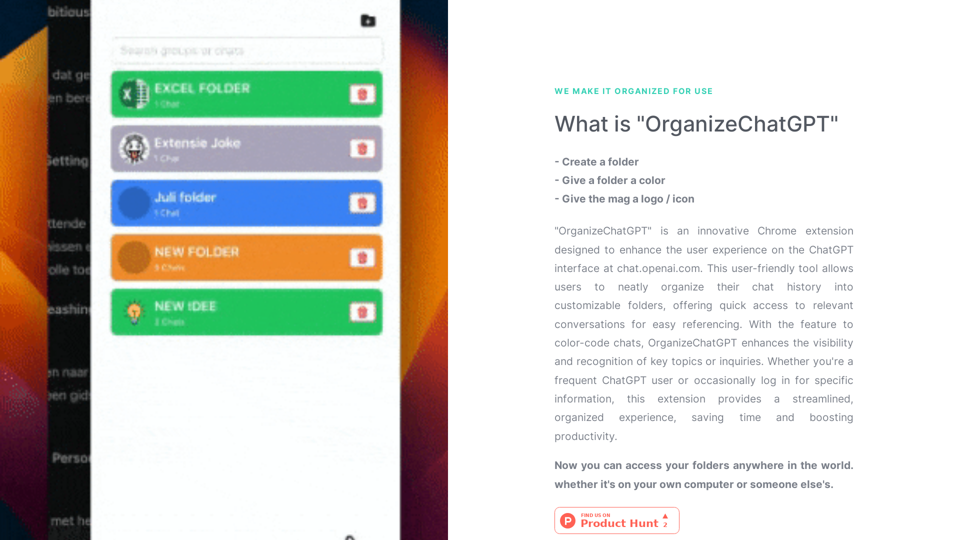
"OrganizeChatGPT" is an innovative Chrome extension designed to enhance the user experience on the ChatGPT interface at chat.openai.com. This user-friendly tool allows users to neatly organize their chat history into customizable folders, offering quick access to relevant conversations for easy referencing. With the fe